trader workstation

When traders search for the term trader workstation, they often imagine something advanced and expensive. In reality, your workstation is simply the environment you build to analyze markets, place trades, and manage risk. A strong workstation helps you stay focused, act consistently, and avoid emotional decisions.

At Invidia Trade, we work with traders who use both manual approaches and rule-based trading systems. Many of them ask how to build a workstation that improves their trading performance and keeps their workflow simple. This article explains everything you need to know about planning, building, and optimizing your trader workstation.

You do not need a complicated setup or unnecessary gear. What you need is clarity, stability, and a clean structure. This guide will help you understand how to choose the right hardware, how to organize your trading software, how to build a workflow that removes emotional noise, and how to use your workstation to support long-term consistency.

Let’s go through each part in detail.

trader workstation

What Exactly Is a Trader Workstation?

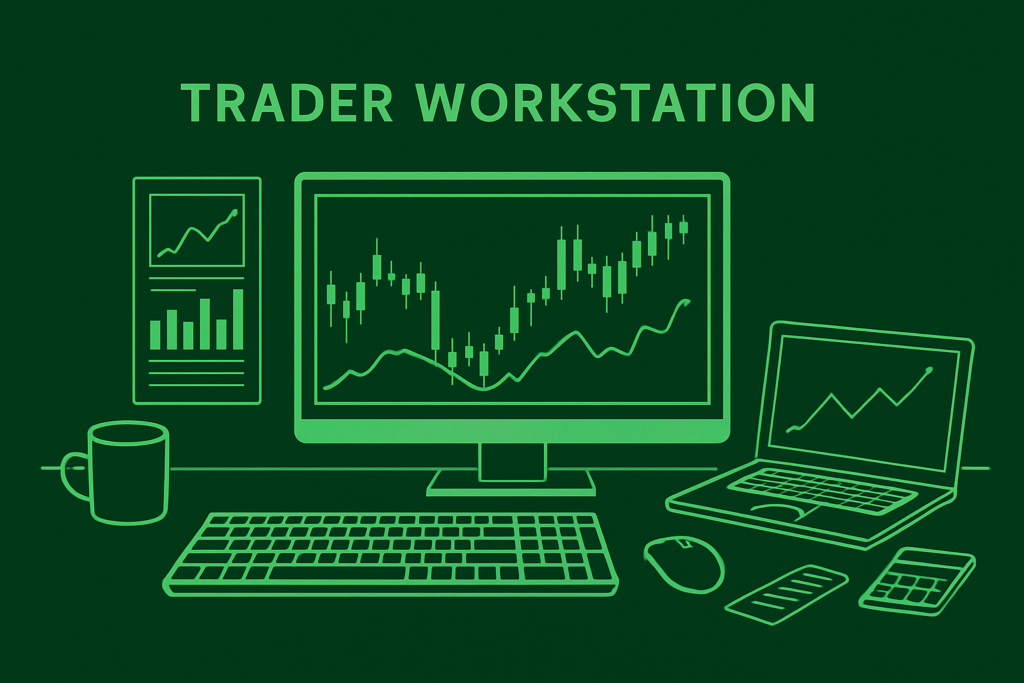
A trader workstation includes the full ecosystem of tools and processes you use in your daily trading. It goes far beyond a computer with charts. It includes:

  • The hardware you trade from


  • Your monitors


  • Your charting and trading platforms


  • Your risk management rules


  • Your note-taking system


  • Your economic news tools


  • Your automation dashboards


  • Your daily trading routine


A workstation is meant to support control, clarity, and speed. It acts as the center of your trading decisions.

Why a Strong Trader Workstation Helps You Trade Better

Your workstation shapes the way you think and act. A well-built environment supports:

Faster reaction times because everything loads smoothly and your tools are organized.

Cleaner analysis because your charts are not overloaded with distractions.

Better risk decisions because you see all important information in one place.

Reduced emotional noise because your environment is stable and predictable.

Better discipline because your routine becomes consistent.

Many traders underestimate how much their environment affects their performance. A well-designed trader workstation makes everything easier.

Choosing the Right Hardware for Your Workstation

There is no need for a high-end gaming machine or anything extreme. The most important things are reliability and speed.

Computer or Laptop

Choose a modern system with fast storage and enough RAM. Trading platforms are not heavy, but you want smooth performance. Aim for:

  • 16GB RAM minimum


  • Solid-state drive


  • Clean operating system


This makes charting and analysis feel instant.

Monitors

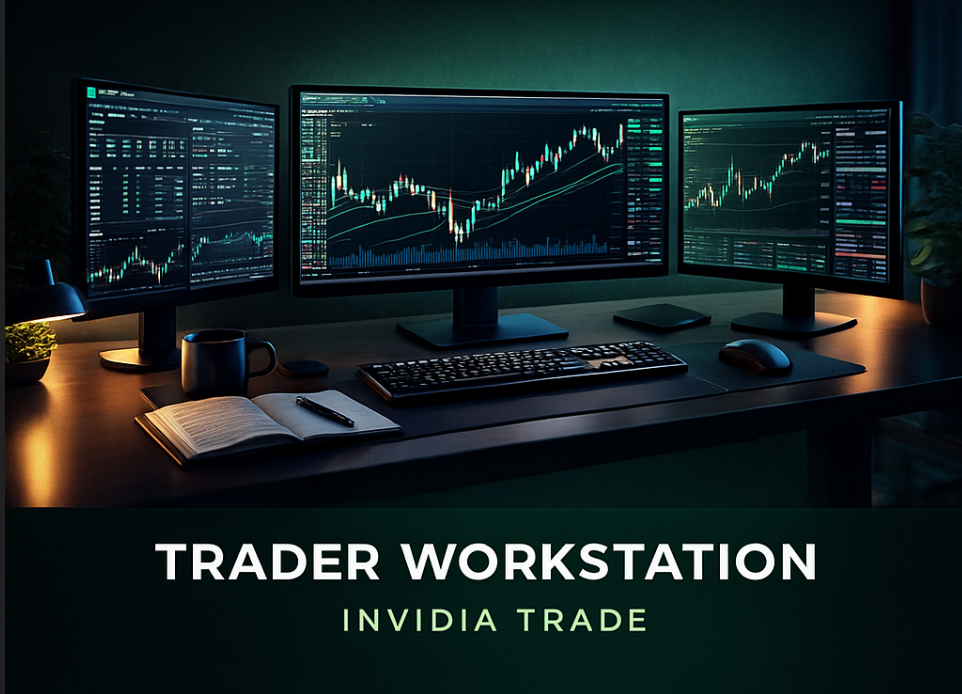
Many traders like using more than one screen so they can see multiple charts or dashboards at the same time. Some options include:

  • One ultrawide monitor


  • Two standard monitors


  • A laptop screen plus one external monitor


Your goal is simplicity, not clutter.

Internet Stability

Your internet connection affects everything. If your connection drops during a trade or while automation is running, you can lose control. Make sure you have:

  • A fast line


  • A good router


  • A backup, such as a phone hotspot


Internet reliability is essential.

Power Protection

Sudden shutdowns can interrupt trades or automated systems. A basic UPS helps keep your workstation running even during short outages.

Workspace Layout

A clean desk with enough room helps you stay focused. Good lighting and a comfortable chair reduce stress and make long sessions easier.

Choosing Your Software, Platforms, and Trading Tools

Hardware is only half the workstation. The software you choose influences how clearly you understand the markets.

Trading Platforms

Most traders use MetaTrader 4 or MetaTrader 5. They are fast, stable, and work with most brokers. Through these platforms you can:

  • View charts


  • Place trades


  • Run expert advisors


  • See account history


  • Manage your risk


The layout should be simple and clean.

Charting Platforms

Some traders prefer separate charting platforms for deeper analysis. These tools help you inspect market structure, trend direction, and important price zones. You may choose something like TradingView or use the charts directly on MT4 or MT5.

What matters is consistency. Use the same color scheme and layout each day so your eyes adjust easily.

Automation Dashboards

If you use trading automation or rule-based systems, your workstation should give you quick access to:

  • Settings


  • Risk parameters


  • Logs


  • Daily results


  • Open positions


Automation is powerful, but you must monitor it regularly.

News Tools

Knowing when high-impact events might affect the market helps you avoid unexpected volatility. You can check:

  • Economic calendars


  • Market updates


  • Sentiment indicators


This helps you stay aware of major events.

Journaling Tools

A journal improves discipline. You can write entries manually or use a digital tool. Journaling helps you learn from every trade, improve your rules, and track progress clearly.

trader workstation

Building a Strong Daily Trading Routine

A workstation becomes even more powerful when you combine it with a consistent routine. Good traders stick to a structured daily process.

Morning Preparation

Start by reviewing:

  • Market conditions


  • Important news


  • Your open positions


  • Your risk settings


  • Your automation dashboard


This gives you a clear overview before you take any trades.

Market Analysis

Look at charts calmly. Identify:

  • Trends


  • Support and resistance


  • Key price levels


  • Market structure


  • Volatility zones


Your goal is to prepare, not predict.

Trade Execution

If you trade manually:

  • Wait for your setup


  • Enter with discipline


  • Use proper risk control


If you use automation:

  • Confirm settings


  • Verify that nothing changed


  • Check stability


Automation helps remove emotion, but you still need to monitor risk.

End-of-Day Review

At the end of each session:

  • Check open trades


  • Log your performance


  • Record lessons


  • Plan for tomorrow


This helps you grow steadily over time.

Organizing Your Charts for Maximum Clarity

Many traders clutter their screens with unnecessary indicators. Clean charts improve confidence and help you act faster.

Here are some guidelines:

  • Use a consistent color theme


  • Use only indicators that match your strategy


  • Limit the number of open charts


  • Keep your interface simple


  • Separate long-term and short-term analysis


Your charts should be tools, not distractions.

Setting Up a Trader Workstation for Automated Trading

If you use rule-based or automated systems, your workstation looks slightly different. Here is what you should focus on.

Reliability

Automation should never run on unstable hardware. Choose:

  • A device with stable performance


  • A strong internet connection


  • A VPS if needed


Automation performs best when the system stays online without interruptions.

Monitoring Tools

You should regularly check:

  • Drawdown


  • Daily performance


  • Recent trades


  • Overall behavior


  • Broker execution


A workstation that gives you fast access to this information helps you avoid surprises.

Risk Management

Automated trading still requires proper risk control. Never rely on automation alone. Set:

  • Conservative lot sizes


  • Clear equity protection rules


  • Realistic expectations


  • Long-term strategies


Traders who succeed with automation combine stability with discipline.

Building the Right Mental Environment

A trader workstation is both physical and psychological. Your mindset plays a major role in your results. Create an environment that supports focus and reduces emotional reactions.

Here are simple ways to improve your mental workspace:

  • Keep your desk uncluttered


  • Maintain a quiet environment


  • Use consistent routines


  • Avoid trading when tired


  • Step away when emotional


  • Review your performance objectively


Your workstation becomes a place where you think clearly, not emotionally.

Common Workstation Mistakes Traders Should Avoid

Many traders make the same workstation errors. Eliminating these helps you become more consistent.

Too Many Screens

More screens can overwhelm you. Start with fewer and increase only when necessary.

Using Too Many Indicators

Indicators can help, but only if used responsibly. Clean charts are better for long-term clarity.

Poor Internet Setup

Slow connections lead to mistakes during fast market movements. Stability is key.

No Backup Power

A sudden power cut can disrupt trades or automation. A UPS prevents unexpected shutdowns.

Ignoring Risk Management

The workstation should support discipline. Avoid anything that encourages impulsive trading.

trader workstation

Final Thoughts

A trader workstation is the heart of your trading environment. When it is clean, organized, and stable, you make better decisions, react faster, and understand the market more clearly. You do not need expensive gear or complicated layouts. What you need is a setup that supports your strategy and keeps your workflow consistent.

At Invidia Trade, we encourage traders to build workstations that keep them focused and disciplined. Whether you trade manually or through automation, your workstation plays a central role in your growth. Build it with intention, keep it simple, and review it regularly. Over time, this structure becomes one of your strongest advantages.

Disclaimer

Trading foreign exchange, commodities, indices, or cryptocurrencies involves significant risk and may not be suitable for all investors. This article is for educational purposes only and does not provide financial advice. Always use proper risk management and consult with a licensed financial advisor before making trading decisions.